Recallab › Guide › Getting started
Getting started
Recallab is a question bank for NEET PG and INI-CET. You answer a question, and the explanation comes straight back — every option accounted for, not just the right one. Everything else in the app is built out of what you answered.
- Make a free account, then answer ten questions. Ten a day are free on any account, no card. Open the site and press Quick 10.
- Say how sure you are before you pick. Sure, Think so, or Guess. It takes half a second and it is what makes False Certainty and Lucky Guesses work later.
- Read the explanation, including for the ones you got right. The key fact is the line to remember; the rest tells you why the other three options are wrong.
- Come back tomorrow. Anything you answered joins a review queue and reappears when it is due — sooner if you got it wrong.
Making an account
An account is free and takes an email and a password. Questions are answered from an account — the ten free a day belong to it — and it is what lets your answers follow you between your phone and your laptop.
There is no daily cap to worry about until you hit ten questions, and nothing asks for payment until you choose a plan.
Where everything lives
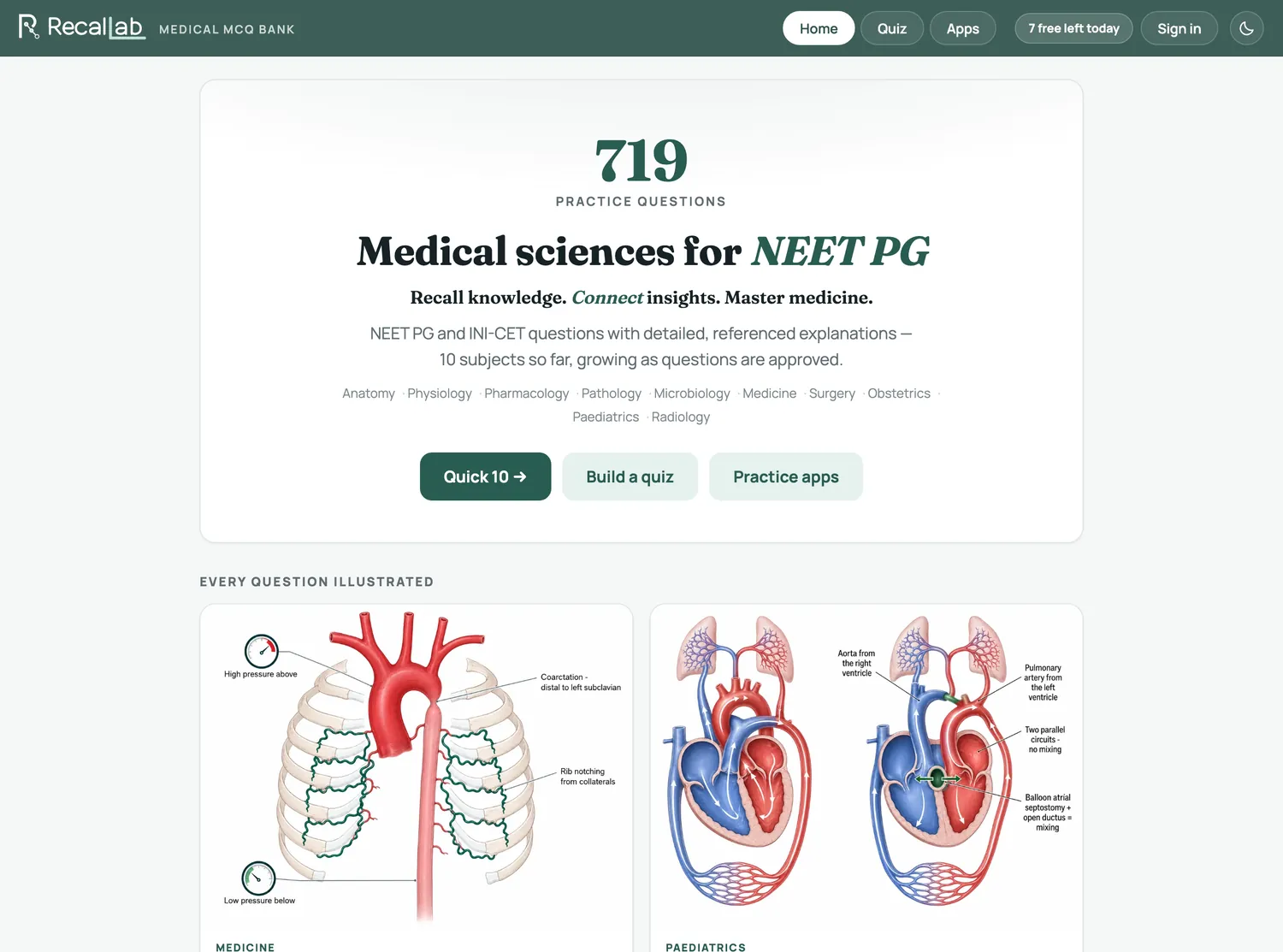
On a computer, five things sit in the header on every screen. On a phone, once you are signed in, a bar along the bottom holds Home, Apps, Today (straight into what is due, or Quick 10 when nothing is) and Profile; Plans and Blog are at the top of your Profile.
| Home | The front page, and Quick 10 — the quickest way into a set of ten, on every plan. |
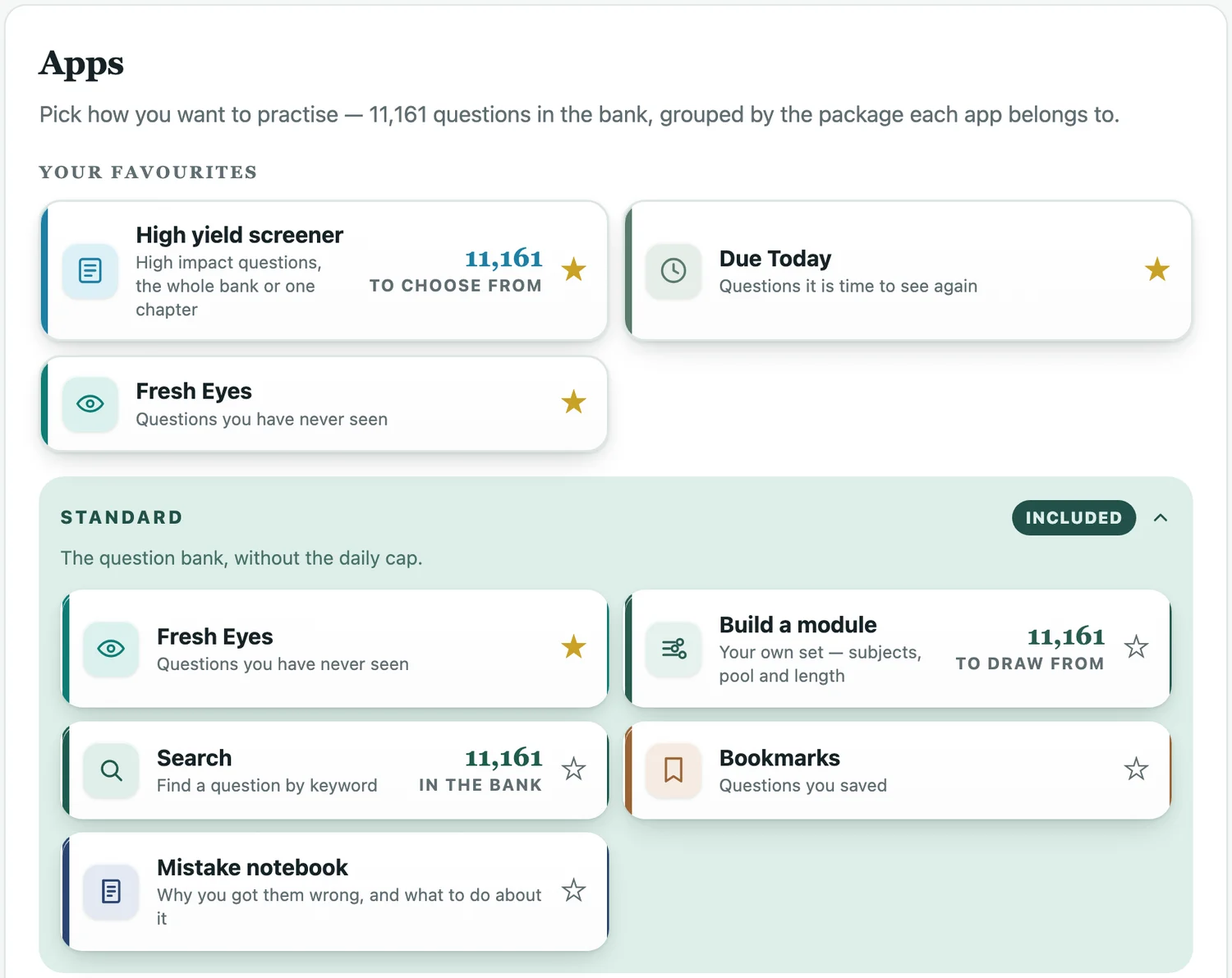
| Apps | Every way of practising, including the High yield screener, grouped by the plan it belongs to. |
| Plans | What each plan includes. |
| Blog | Articles on NEET PG topics and how to practise. |
| Profile | Your account, today's allowance, and every quiz you have taken. |
Your favourite apps
The Apps page holds every way of practising, so pin the ones you use most. Tap the ☆ on any app you can open and it joins Your favourites at the top of the page, in the order you pin them (up to eight); tap its ★ to take it off again. Favourites are saved on your account, so they are the same on your phone, your laptop and the app. Until you pin anything, the top shows your Most used apps instead.