
Recallab › Guide › Ways to practise
Ways to practise
Four ways to put questions in front of yourself, depending on how much control you want.
Quick 10
The fastest route, on every plan: Quick 10 on the home page draws ten questions from the whole bank. Answer each one and the explanation comes straight back.
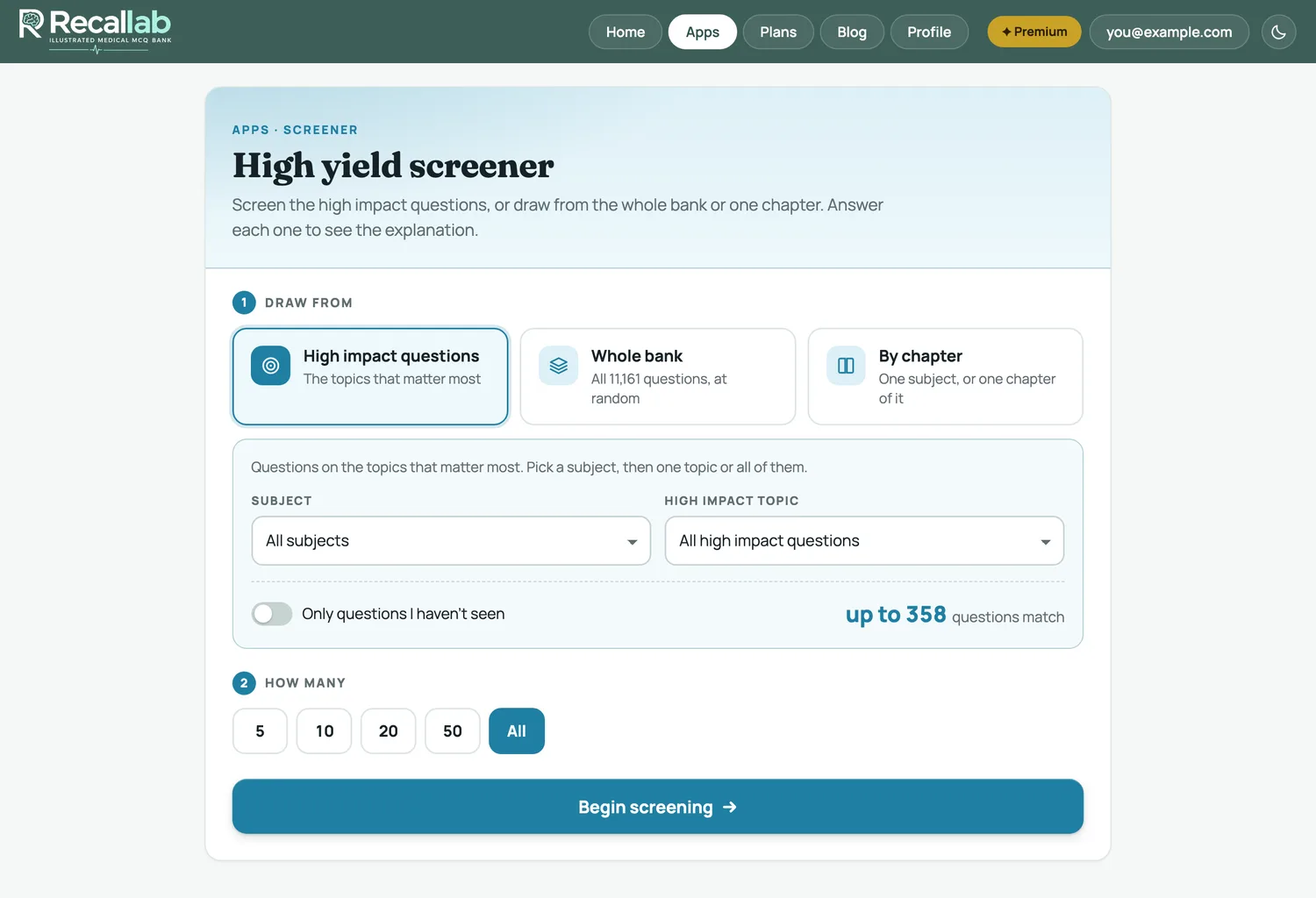
High yield screener Premium
Pick a subject, then one topic or all of its high impact questions. Tick Only questions I haven’t seen to skip what you have already met, and the page tells you how many questions match before you begin. The same screen can also draw from the whole bank or from one chapter.
My topics Premium
When you have worked through a topic, save it: tap + My topics next to End quiz while you answer, or ☆ Save topic beside the topic picker or on the results of a one-topic set. It joins My topics at the top of the screener as a card, showing how many of its questions you have met and when it is due back.
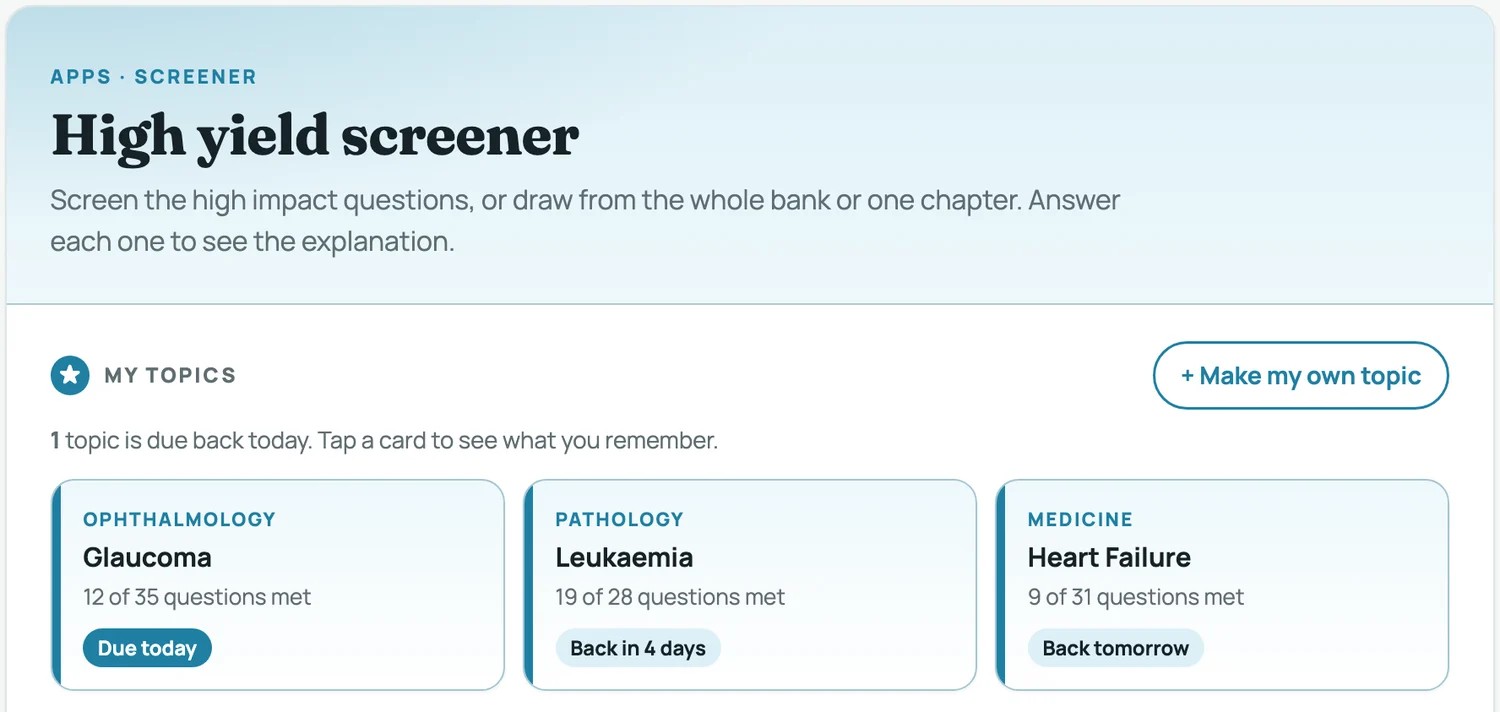
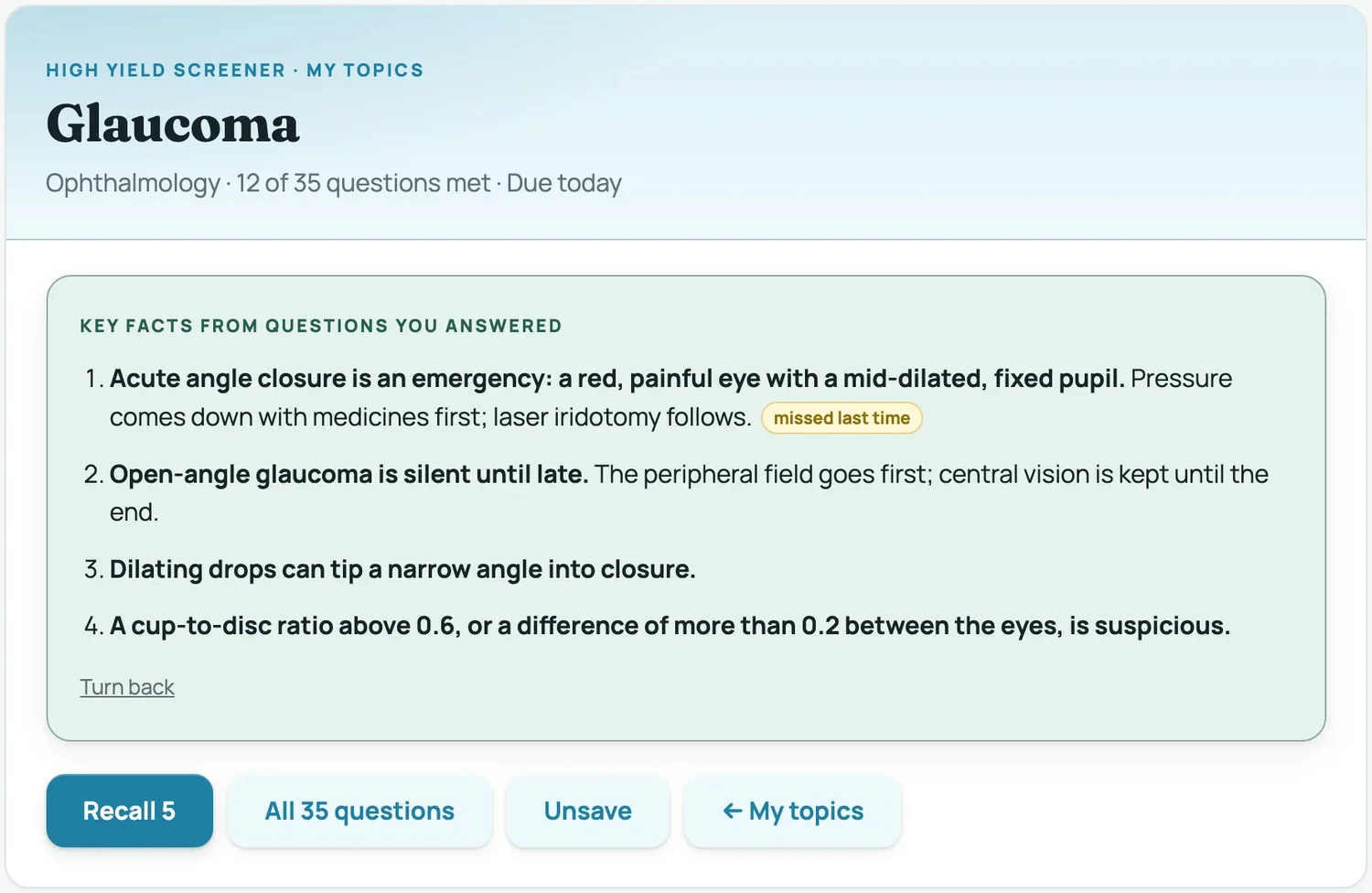
Tap a card and it asks what you remember. Say it to yourself, then turn it over: the back lists key facts from questions you have already answered in that topic, and marks any you missed last time. Recall 5 gives you five quick questions — the ones you missed first, then ones you have not seen. Get four or five right and the topic comes back later (after 1, 3, 7, 21, then 60 days); two or fewer and it comes back sooner.
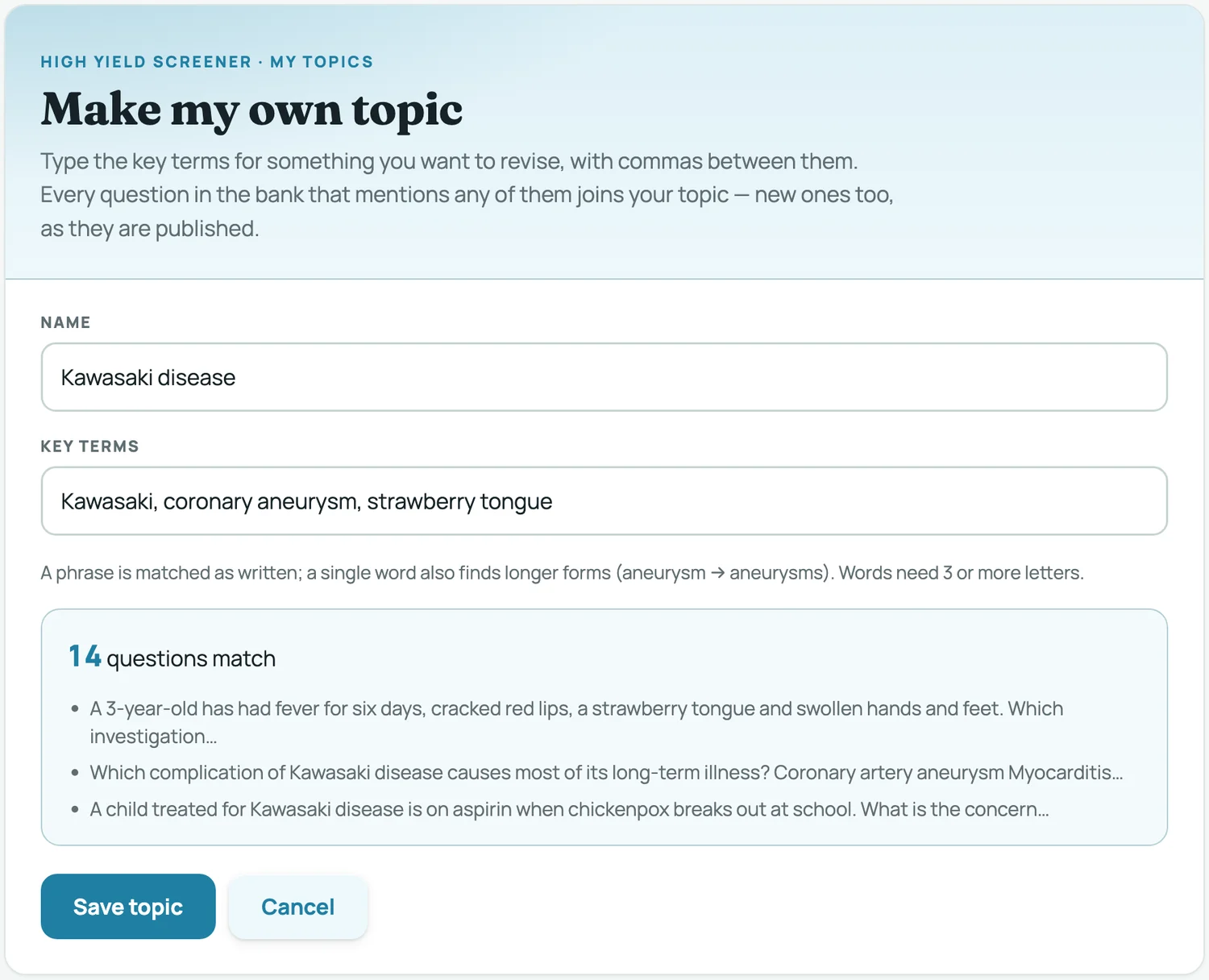
Want a topic of your own? Tap + Make my own topic at the top of the screener, give it a name and type its key terms with commas between them — for example Kawasaki, coronary aneurysm, strawberry tongue. The page shows how many questions in the bank match, with a few of them, before you save; a topic needs at least five. It joins My topics marked Your search and works like any other card, and new questions that mention your terms join it as they are published. Open its card to Edit terms or Delete topic.
Build a module Standard
The same thing with the lid off. Choose any combination of subjects, decide which pool to draw from — everything, only what you have never seen, only what you got wrong, only what you saved, only questions with a figure — and set the length.
The count updates as you change the filters, so you always know how many questions match before you commit. If a combination is too narrow the page says so rather than quietly handing you a short set.
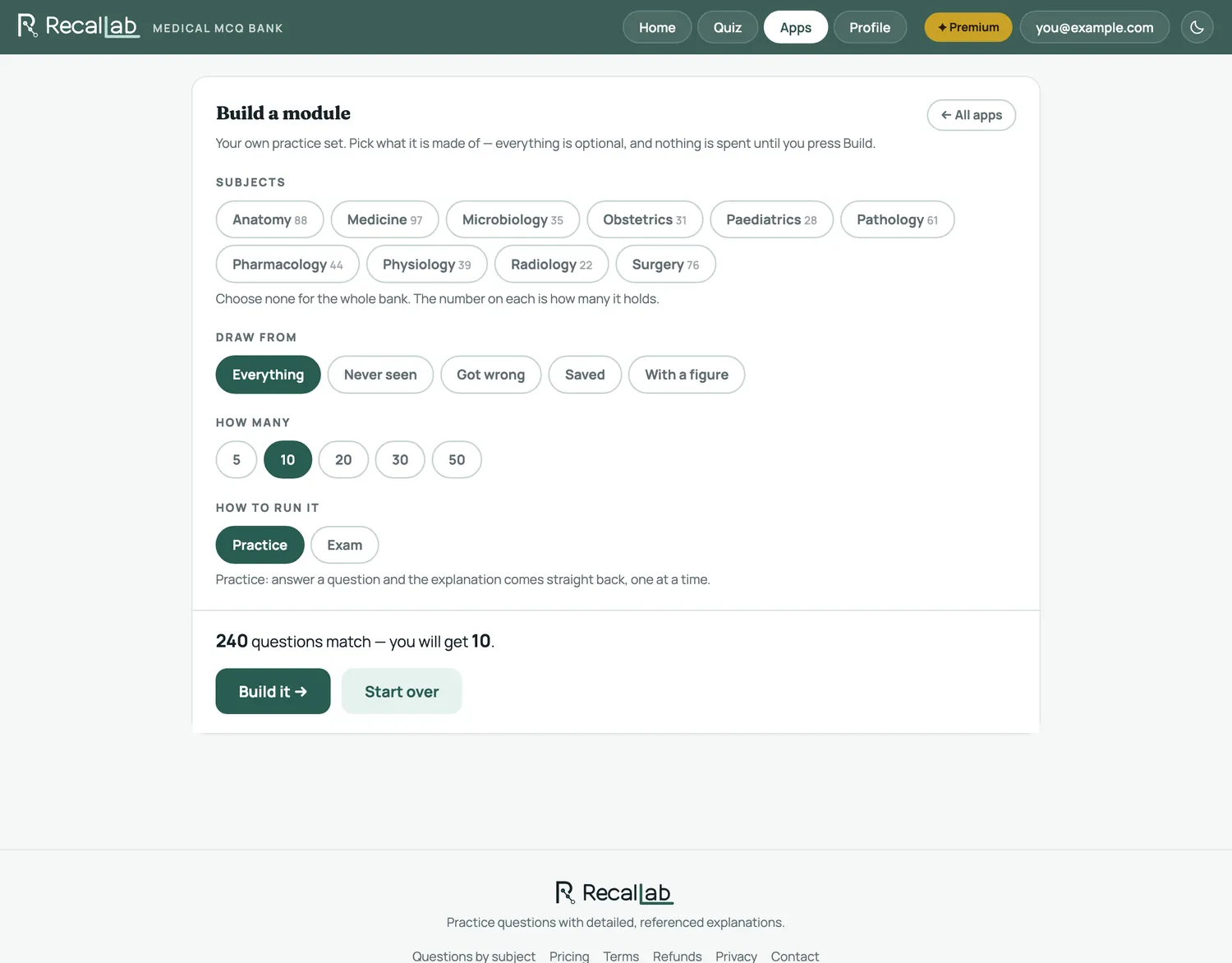
A module can be run in Practice, where the explanation appears after each question, or as an Exam, where it holds everything back until the end.
Mock exam Plus
One section, run to the real NEET PG rules: 36 questions in 42 minutes, marked +4 for a correct answer, −1 for a wrong one and 0 for a blank.
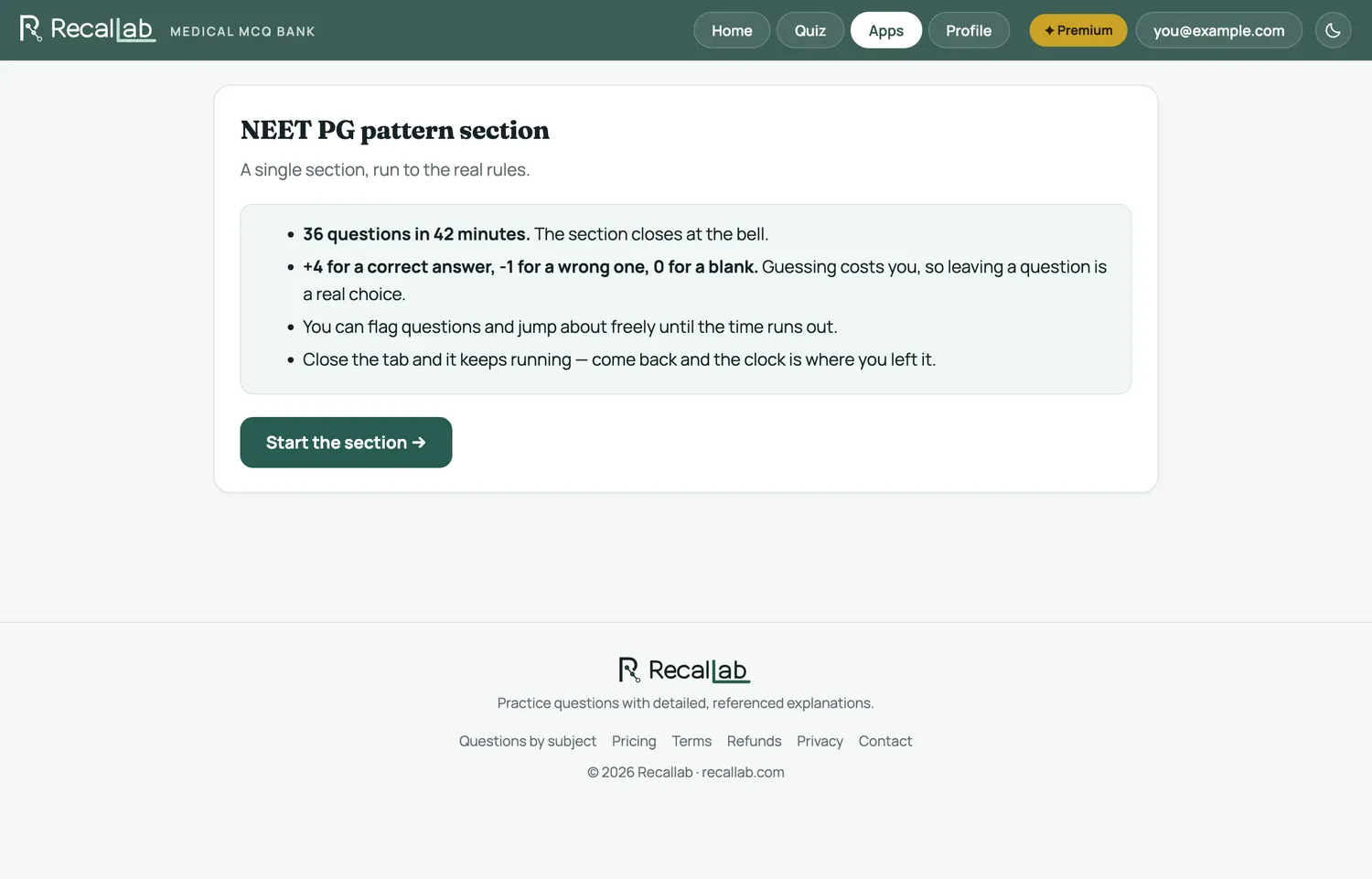
The clock is kept by the server, not your browser — close the tab and it keeps running, and reopening puts you back where you left off. You can flag questions and move about freely within the section until time runs out. The section closes at the bell.
Because a wrong answer costs a mark, guessing is a real decision. With four options, a blind guess averages zero: one time in four you gain 4, three times you lose 1. Eliminate a single option and it turns positive — which is why the mock marks blanks separately from wrong answers in the result.