
Recallab › Guide › Finding a specific question
Finding a specific question
Standard Every question in the bank has a number, shown on the card as ID #. Search takes either a keyword or that number.
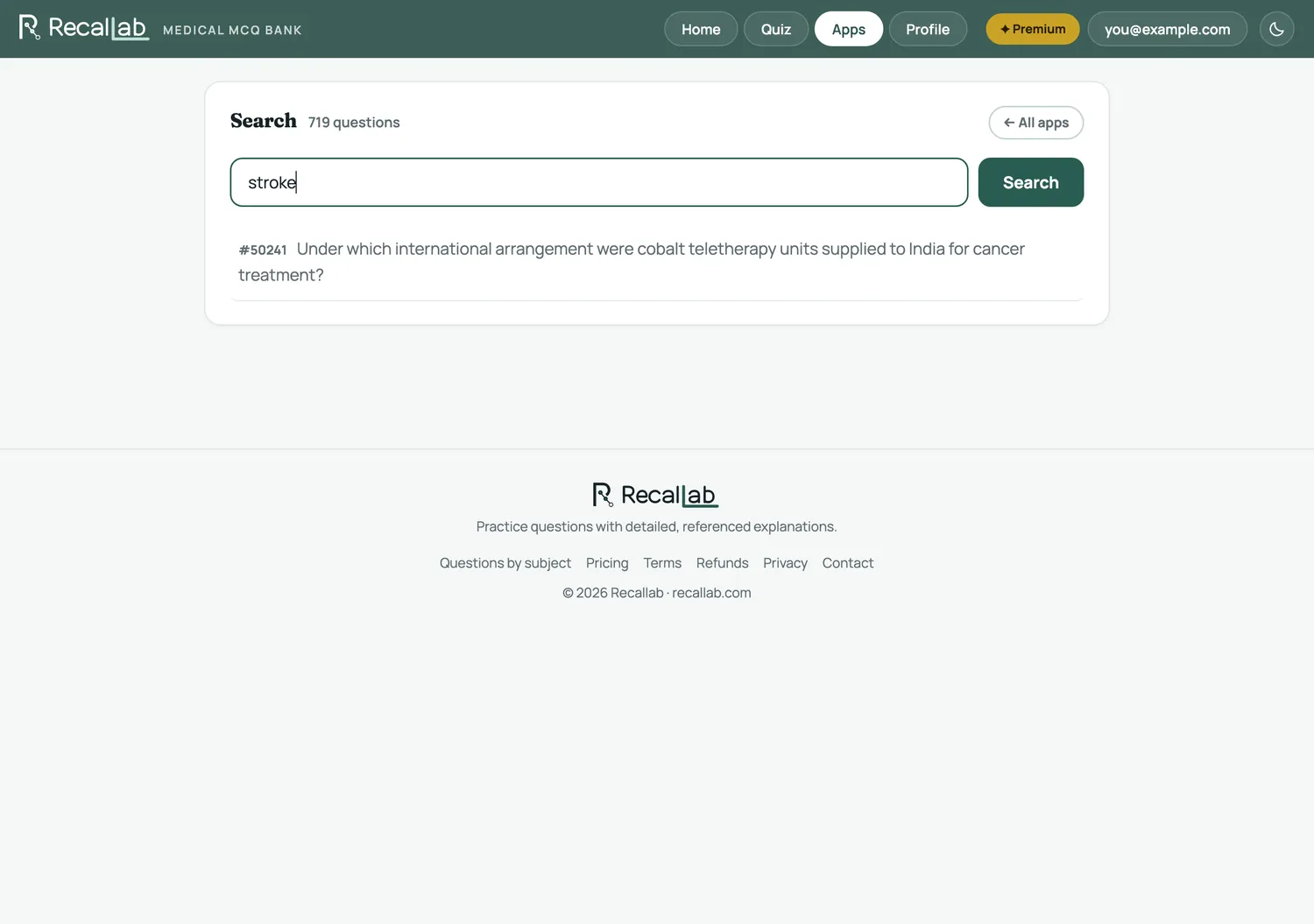
Type a term — deltoid, thrombolysis, nephrotic — and it matches against question text. Type a number and it goes straight there. It is the quickest way back to a question a friend has sent you, or one you remember arguing with.
Sharing a question
Some questions have a public page, outside the app and readable without an account, with the full explanation. Those are linked from the subject pages — useful when you want to send someone a worked answer rather than a screenshot.